
Inventory Under Control
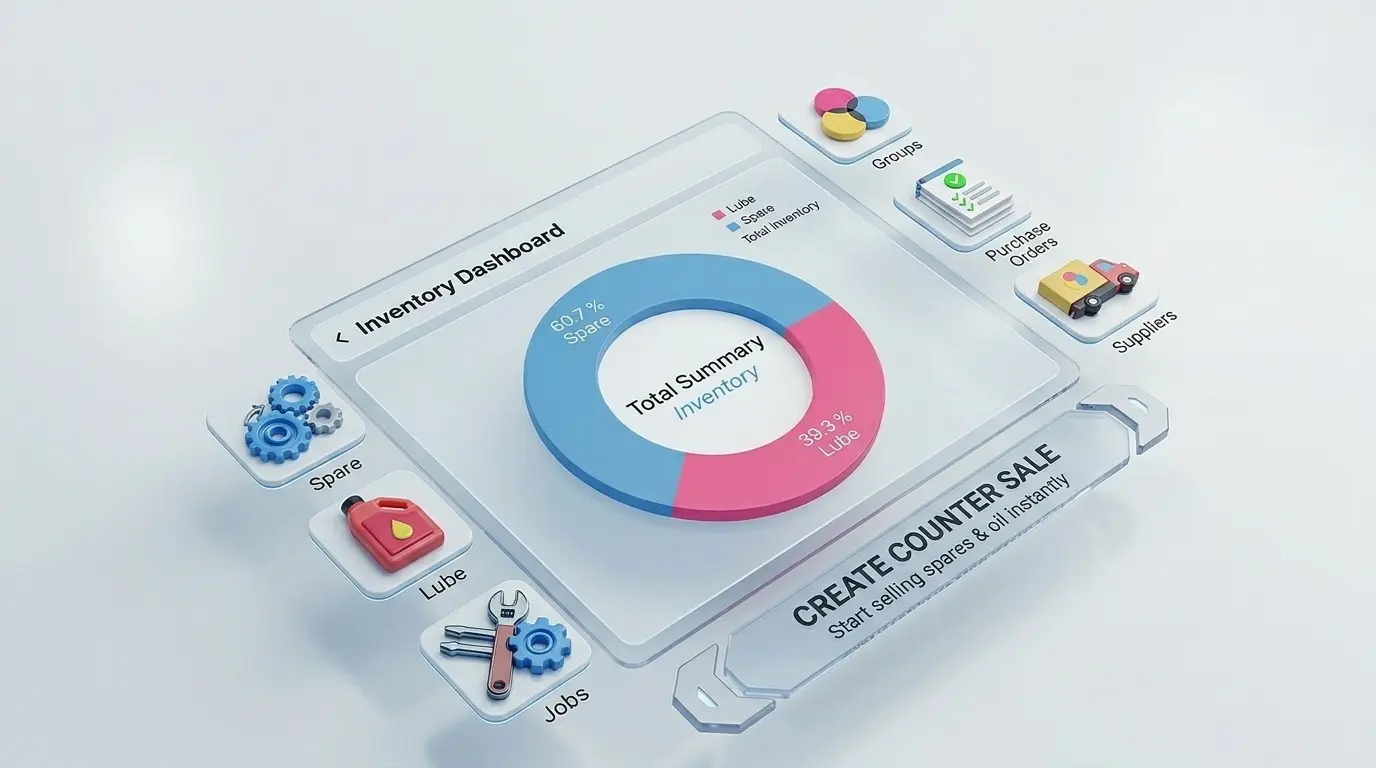
Stop guessing what's in stock. TTN Garage lets you track spare parts, lubes, and labour items in real time , with stock auto-updated every time you bill a job card.
Trusted by 20,000+ automobile workshops across India
Why Track Inventory Digitally?
Manual registers and memory-based stock tracking lead to lost sales, over-ordering, and billing errors. TTN Garage keeps your parts room organised and accurate.
Spare Parts & Lubes
Maintain a master list of spares, engine oils, filters, and consumables with purchase price, selling price, and current stock quantity.
Auto Stock Deduction
When you add parts to a job card or invoice, stock is deducted automatically. No double entry, no manual counting at end of day.
Low Stock Visibility
See which items are running low before a customer walks in. Reorder in time and never turn away a job for missing parts.
Labour Master List
Set standard labour charges for common jobs like brake service, oil change, and chain sprocket replacement. Bill faster with pre-set rates.
Order Spares In-App
Running low on a part? Order genuine OEM and OES spares directly through TTN Garage with fast delivery to your workshop in Pune.
Consumption Reports
Track which parts move fastest, monitor stock value, and understand consumption patterns to buy smarter and reduce waste.
Stock Linked to Every Job Card
Inventory in TTN Garage is not a separate system. Parts added to a job card update stock instantly, and every invoice reflects accurate quantities and pricing from your master list.
- Add spares and lubes directly from job cards
- Search parts by name or part number
- Set purchase and selling price per item
- View stock history and consumption
- Sync inventory across mobile and web
How It Works
Three steps to organised workshop inventory
Build Your Master List
Add your commonly used spares, lubes, and labour items with prices and opening stock quantities.
Use Parts on Job Cards
Select items from your inventory when creating or updating a job card. Stock deducts automatically on billing.
Reorder & Restock
Check low-stock items, order spares through TTN, and update stock when new parts arrive at your garage.
Trusted by 20,000+ Garages
Frequently Asked Questions
Common questions about inventory management with TTN Garage.
Yes. TTN Garage supports a full master list for spares, lubes, filters, and other consumables. Set item name, part number, purchase price, selling price, and opening stock. Track quantities in real time as parts are used on job cards.
Yes. When you add spare parts or lubes to a job card and generate an invoice, the quantity is deducted from your inventory automatically. You do not need to update stock separately in a register or spreadsheet.
Yes. The inventory section shows current stock levels for every item in your master list. You can quickly identify low-stock parts and reorder before they run out, so you never lose a job because a common part is missing.
Yes. TTN Garage connects you to genuine OEM and OES spare parts with attractive discounts and fast delivery to your workshop. Order through WhatsApp or the app and restock your inventory without visiting multiple suppliers.
Yes. The 10-day free trial includes full access to inventory management along with job cards, GST billing, and service reminders. No credit card required. After the trial, plans start at just ₹999 per year.
Take Control of Your Workshop Stock
10-day free trial. No credit card required. Full inventory, job card, and billing features included.